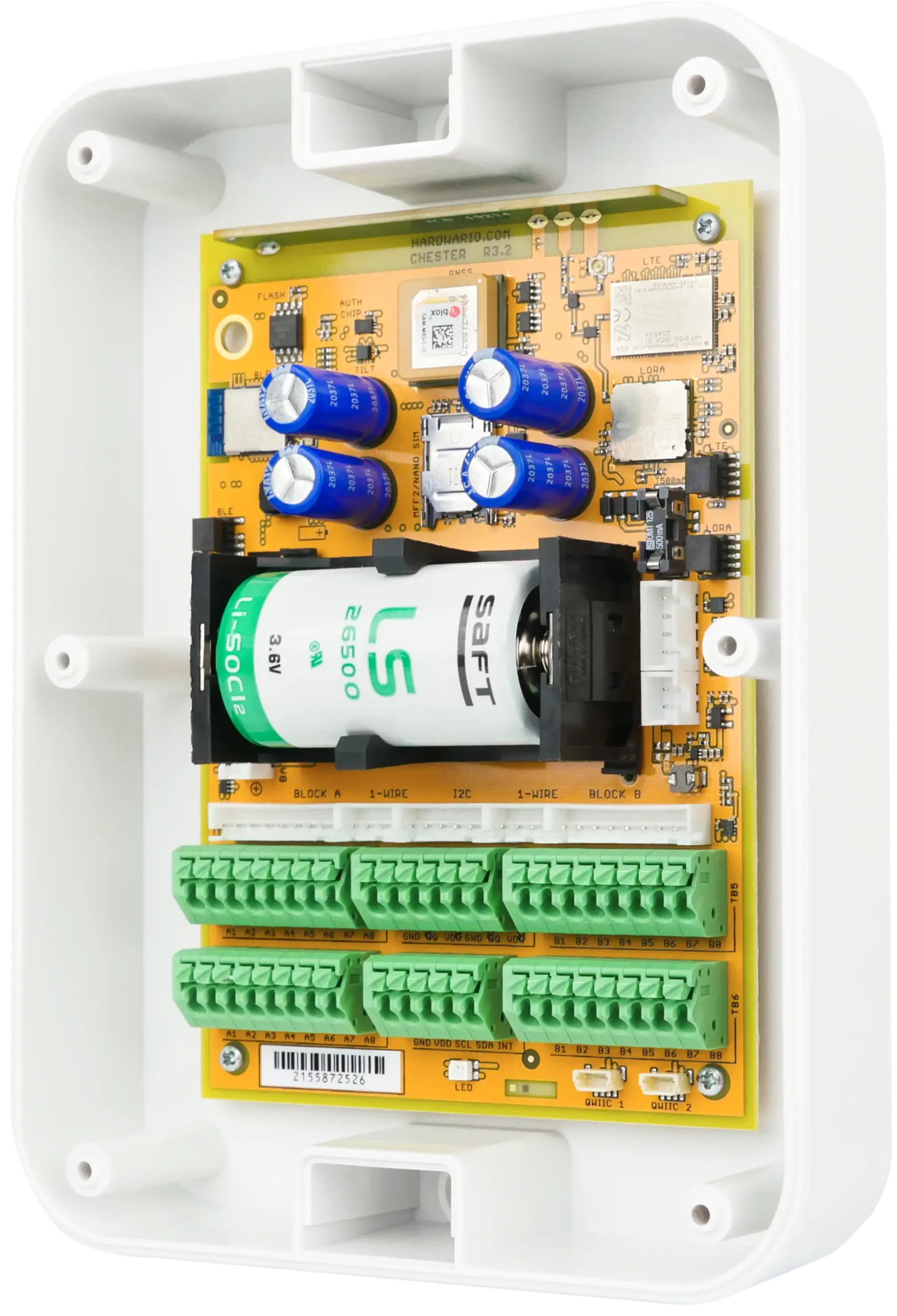
CHESTER
How to Add CHESTER to Cloud
Learn how to register your CHESTER device in the HARDWARIO Cloud using your phone and a QR code.

Steps
- 1. Take your phone and log in to HARDWARIO Cloud.
- 2. Open your Cloud space.
- 3. Click NEW DEVICE.
- 4. In the new tab, click SCAN DEVICE.
- 5. Now scan the QR code on the back of CHESTER.
- 6. It will automatically fill in the necessary information.
- 7. Here you can add a comment and select space tags for this device.
- 8. After completing the settings, click CREATE DEVICE.
- 9. The device has now been added to your space.
- 10. From this page, you have access to device messages.
Ready for the Next Step?
Our team is here to help you set up and configure your HARDWARIO IoT solution.