Skip to main content
Developer path

From first payload to a field-ready pilot.

Use a catalog application, extend supported Zephyr-based firmware, build private LoRaWAN, or run your data path at the edge. You retain the customer-facing application, brand, data destination, customer relationship and roadmap.

No gated architecture deck: documentation, SDK source and the first-steps guide are public.

CHESTER uplink JSON
{
  "message": {
    "version": 2,
    "sequence": 12182
  },
  "attribute": {
    "product": "CHESTER",
    "revision": "R3.2"
  },
  "thermometer": {
    "temperature": 28.12
  }
}

A real CHESTER uplink shape: structured data your application can consume.

Choose the field path

Start at the right level of the stack.

Each path gives you a different balance of speed, firmware control, network ownership and local processing.

Start from a catalog application

Use a proven CHESTER application when the signals and field behavior already match your project.

Fastest path to bench data; application source and configuration depend on the selected catalog entry.

Browse CHESTER applications

Extend supported firmware

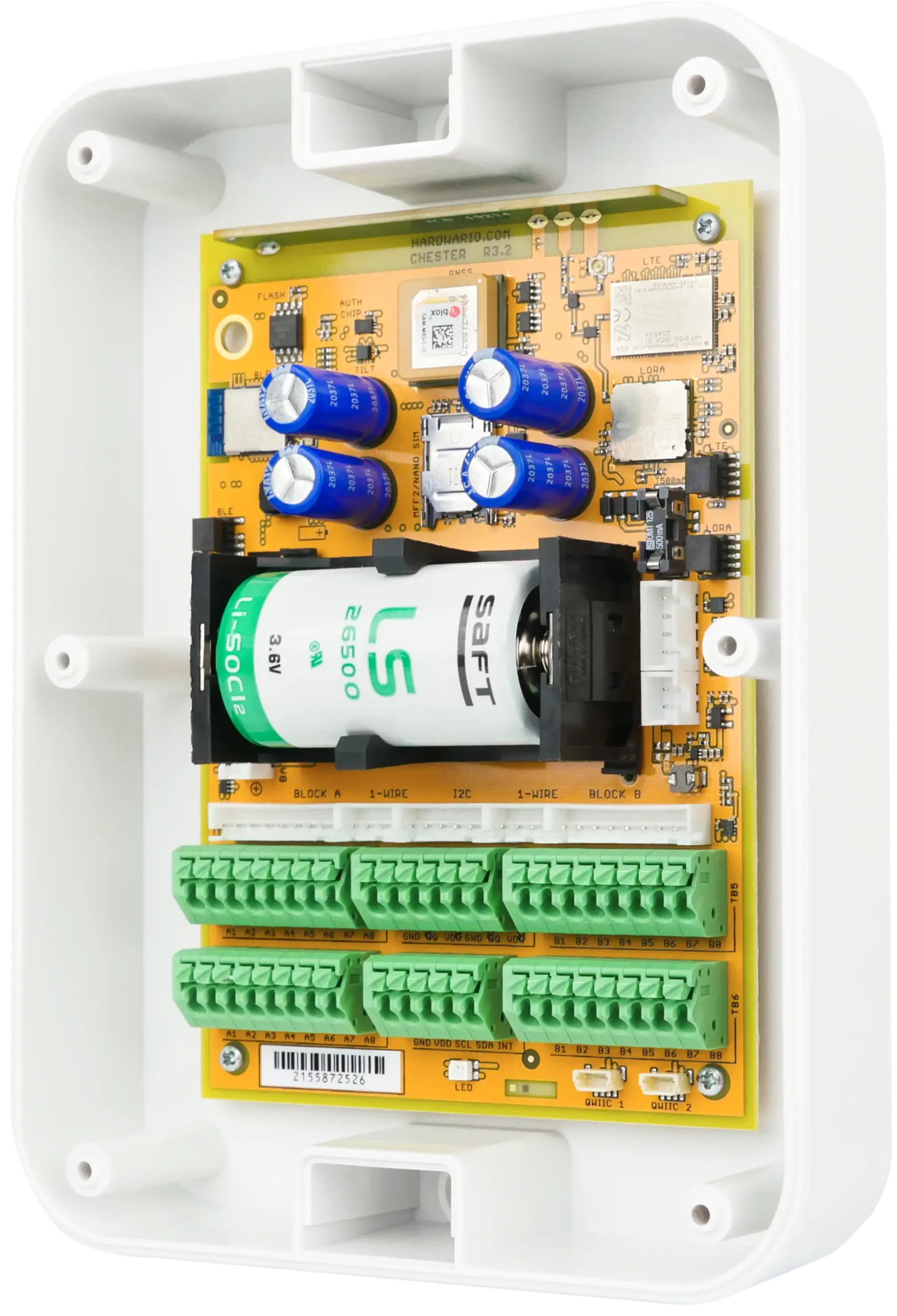
Fork the open CHESTER SDK built on nRF Connect SDK and Zephyr, then add your signal logic and payload.

Best when your product differentiation lives in the device behavior or data model.

Open CHESTER SDK

Own a private LoRaWAN network

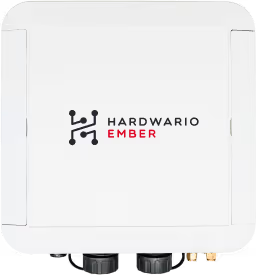
Use EMBER as an LTE- or Ethernet-connected gateway for private LoRaWAN deployments.

Designed for deployments with hundreds of LoRaWAN devices under your network policy.

Read EMBER documentation

Run the data path at the edge

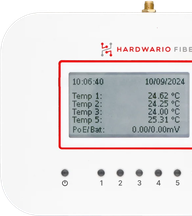
Use the open Linux FIBER gateway when local processing, protocol conversion or direct customer-system integration matters.

You control the Linux data path and can use MQTT/TLS or other protocols supported by your integration.

Explore FIBER
Golden path

Prove one risk at a time.

A disciplined evaluation produces evidence the commercial and engineering teams can both use.

  1. 01

    Define the field constraint

    List the signals, environment, power, connectivity, data destination and expected quantity.

  2. 02

    Get a real payload on the bench

    Use the DevKit and quickstart to verify inputs, firmware workflow and payload shape.

  3. 03

    Prove connectivity where it matters

    Test the target network, antenna placement, power profile and recovery behavior in the intended environment.

  4. 04

    Connect your application

    Route the data through REST API, webhooks, exports or your chosen edge integration and verify ownership boundaries.

  5. 05

    Pilot the rollout assumptions

    Measure installation time, support workflow, fleet operations and the evidence needed for the rollout decision.

Found the right path—or a constraint we should review?

Share the field environment, signals, data destination and expected scale. An engineer will help test the architecture, not replace your application team.

Or call directly: +420 775 159 734